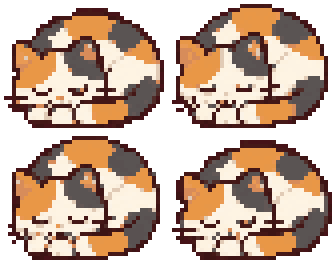

Pet the head, hear the purr
Rest your cursor on a cat's head. Its eyes close, a low purr starts, and a Force Touch trackpad hums along.
 PurrDesk
A desktop cat game for macOS
Pixel cats live along the bottom of your screen while you work. Pet them, pour their kibble, scoop the litter, and watch them grow up on your desktop.



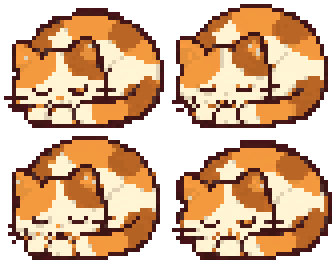 z z
♪ purr
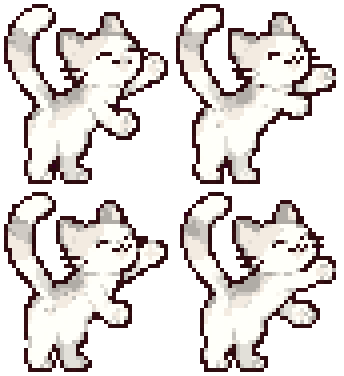

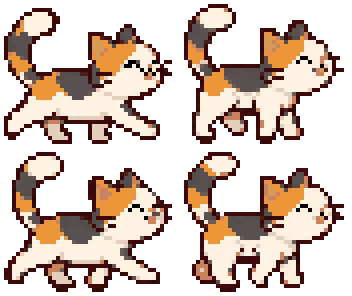


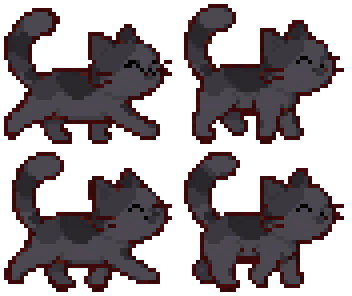

Try it: click the walking cat, and rest your cursor on the sleeping one.
Every interaction is hands-on, with your cursor turning into a hand, a scoop or a kibble bag.
Rest your cursor on a cat's head. Its eyes close, a low purr starts, and a Force Touch trackpad hums along.
Every click is a soft “pang”. Combos get higher and happier, until about the tenth one.
Drag the bag over the bowl and hold to pour. An empty bowl gets a polite meow, then a less polite one.
Pee clumps and poops fill a gauge. Scoop them into the trash before the cats start complaining.
Clock out and the cats nap, eat and use the litter on their own, quietly. Clock in and they run over meowing.
Each active hour you're clocked in earns coins. Spend them on treats, a scratching post, a bed, a wheel and a cat tower.
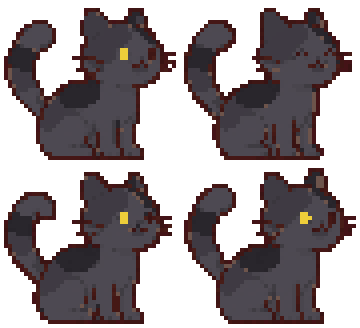
Kitten, teen, grown-up, then grandpa or grandma cat, counted in days together. Food and play shape the body; how you treat them shapes the personality.
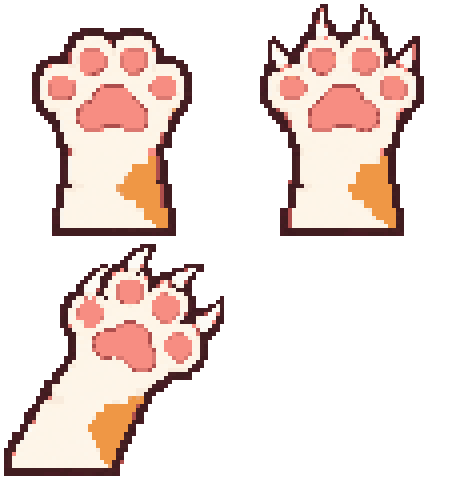
Overplay, skip dinner or ignore the litter and a giant paw swipes across your screen. You can switch it off.
Focus for 25 minutes and the cats nap with you. When the break starts they wake up and bop your screen until you step away.
Deep in a deadline? A slider in the top-right corner fades the cats, or hides them with the widgets. They keep living, and you keep getting paid.
What a typical Monday looks like with three cats on the Dock.
Age comes from days together. Body comes from meals versus play. Personality comes from how you treat them.
Kittenday 0–6Teenday 7–20Grown-upday 21–59Grandpa/Grandmaday 60+ChonkyChubbyFitSlimSkinnyPet often and they come when you call. Wake them up too often and they get sharp claws.
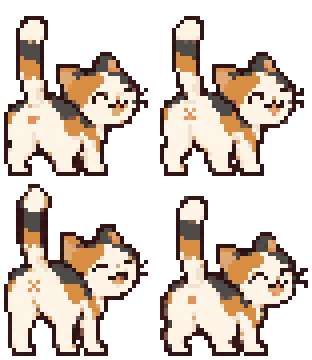
Every move in PurrDesk started as something our cats really do at home.
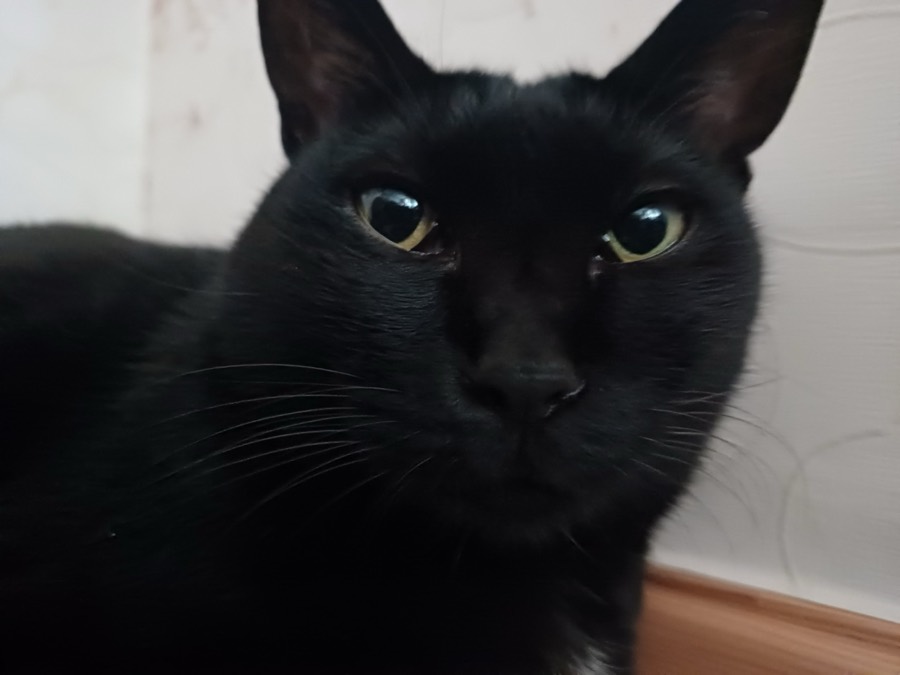
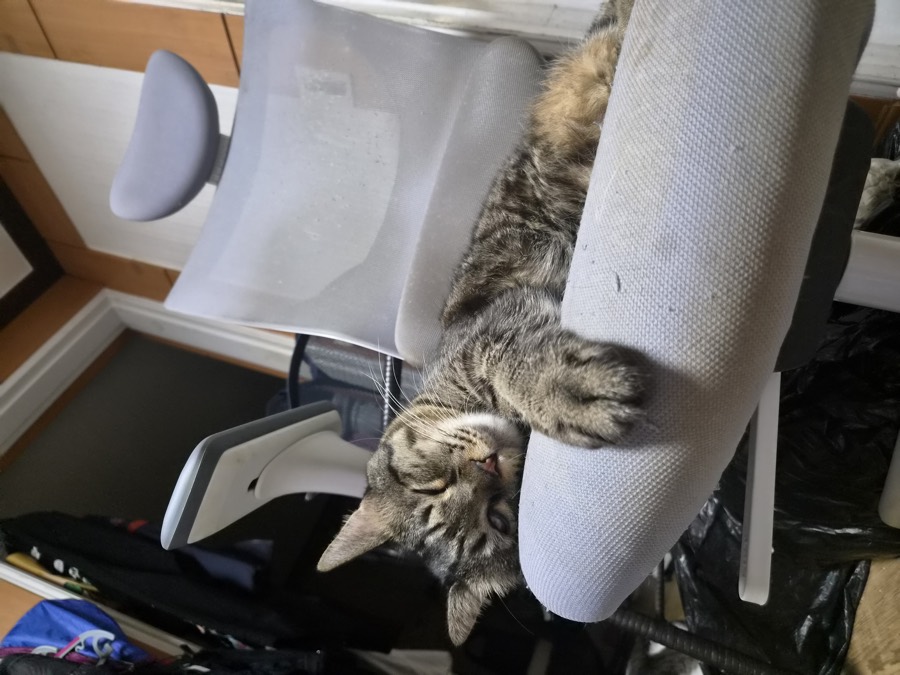
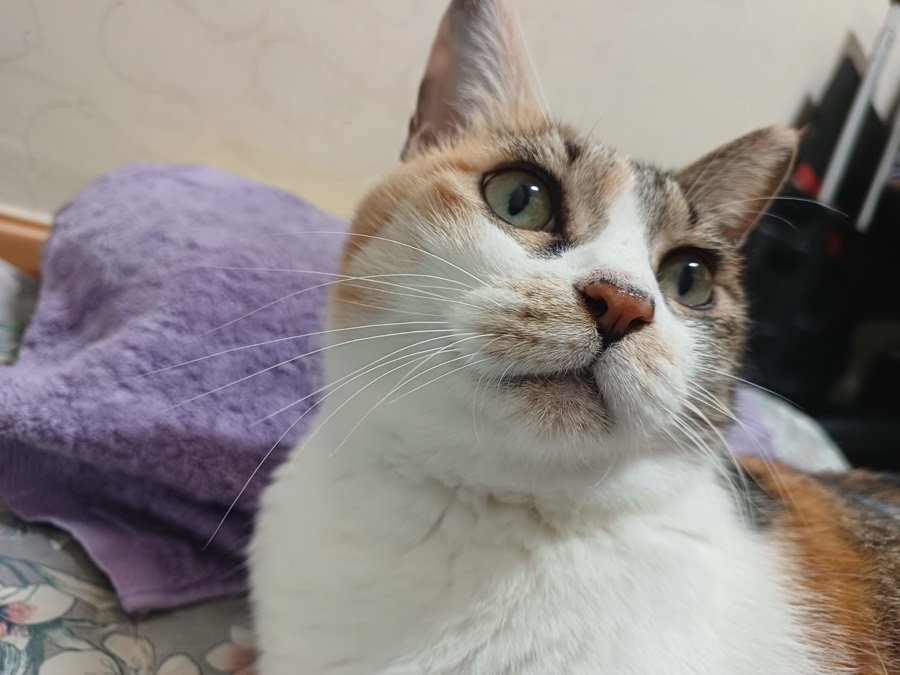
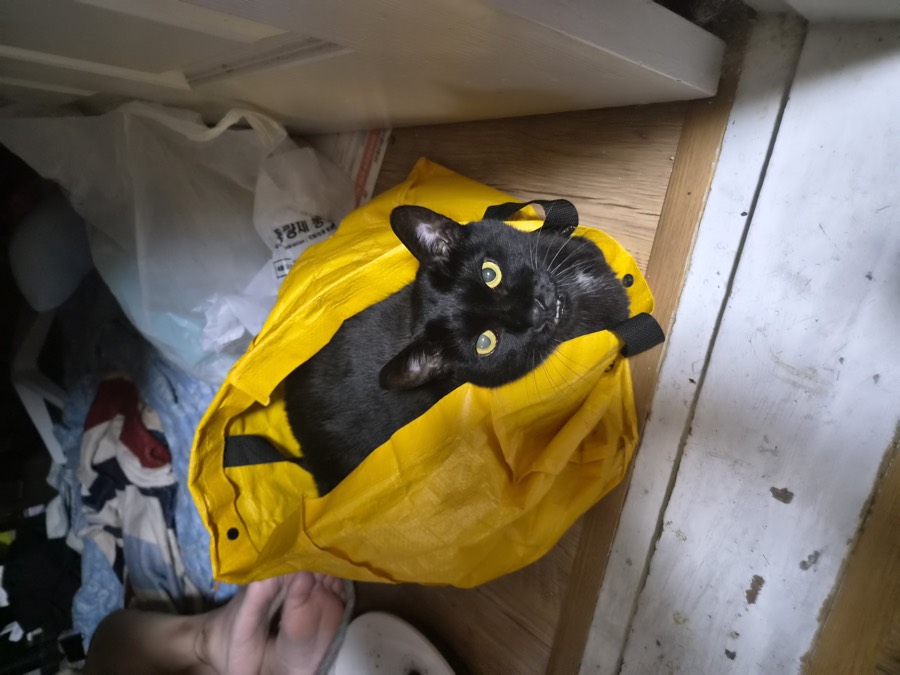
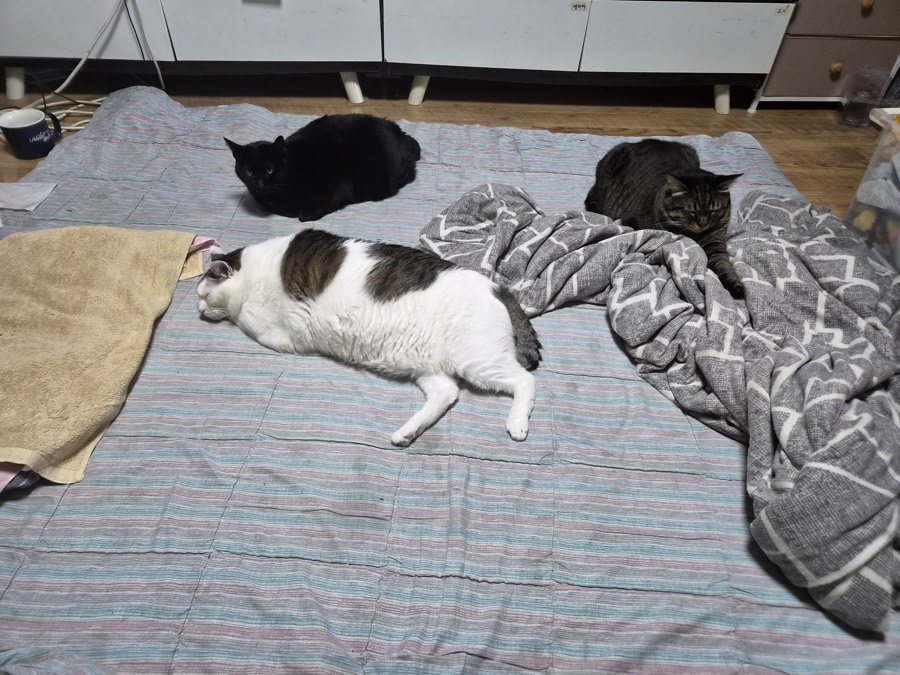
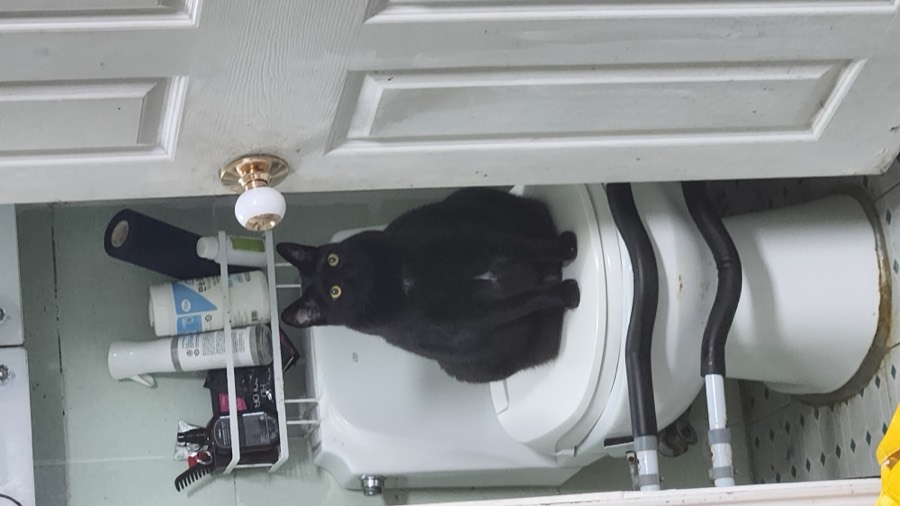
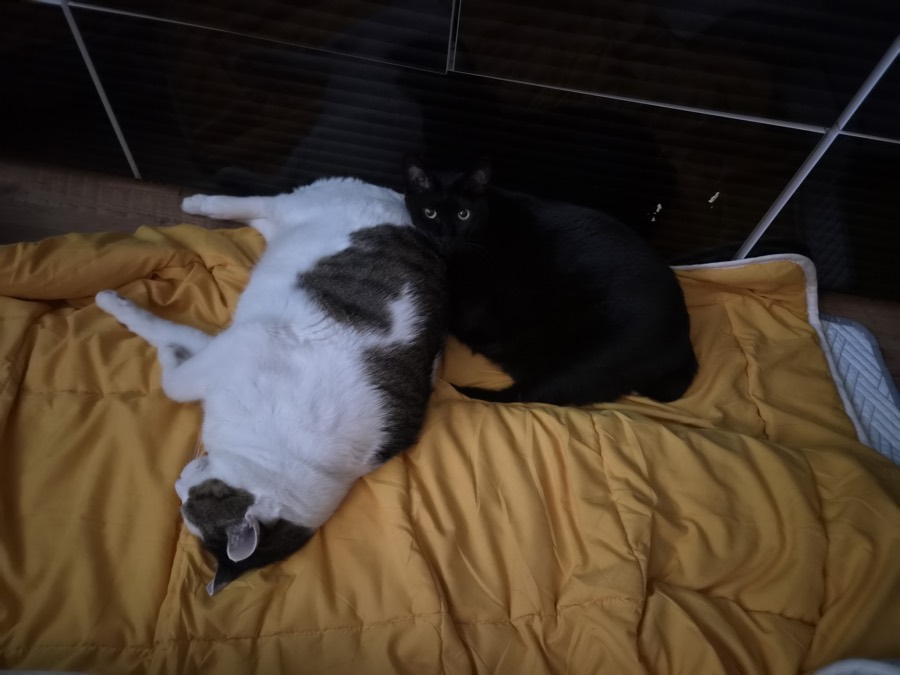
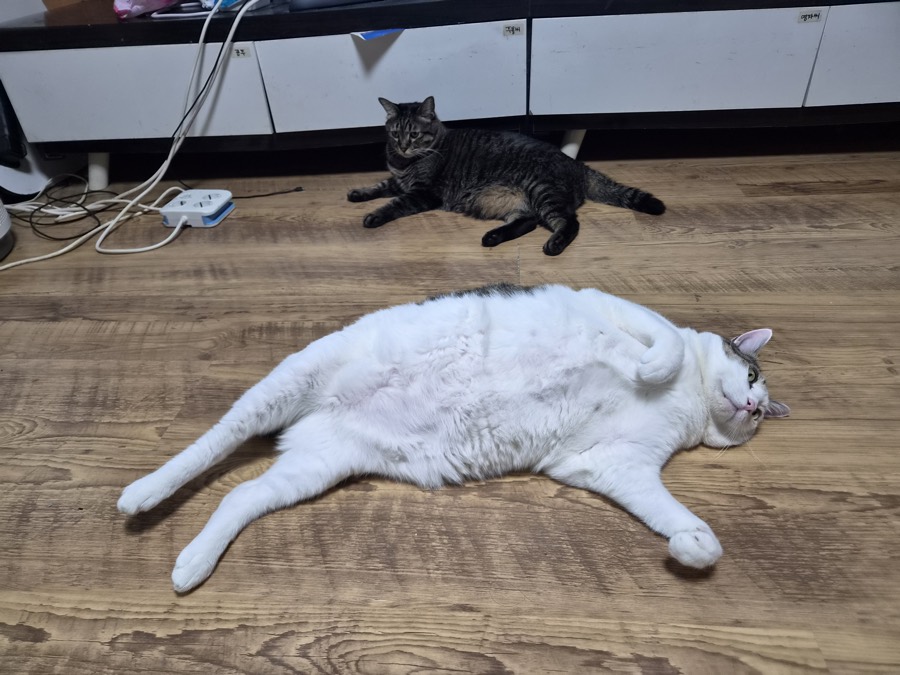
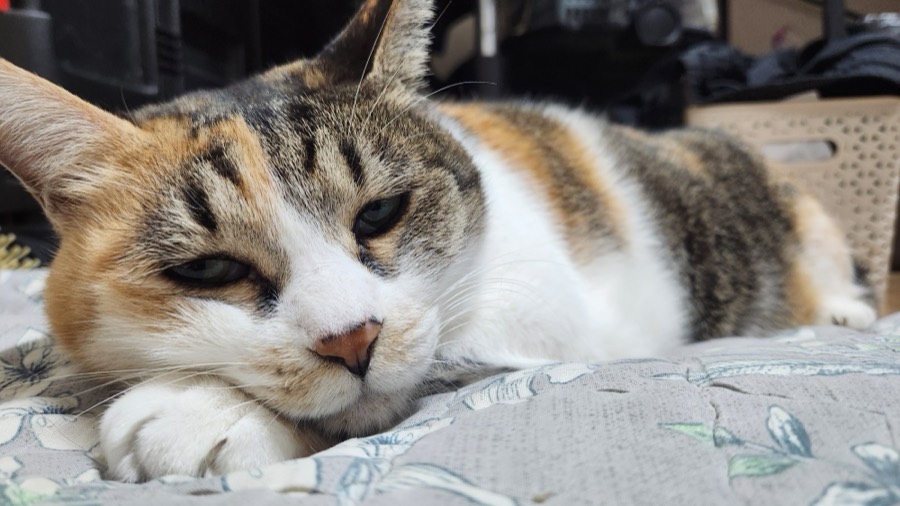
One day a stray kitten may knock on your screen. Taking it in needs the full version.
Price and release date are not final.
Clicks pass through everywhere except the cats and their things.About 3% CPU on an M1 iMac while the cats nap. Zero while you're clocked out.No data leaves your Mac. Your cats are saved on your Mac only. Music is off by default. Scratch attacks can be switched off. One click fades or hides the cats.macOS 14 Sonoma or later, Apple silicon or Intel.
They live in a strip along the Dock. Only the cats and their things catch clicks; everywhere else, your clicks go straight to your apps.
Nothing terrible. Cats never get sick or die. They get hungry, beg, and may turn a little grumpy until you fill the bowl.
Yes. Closed or clocked out, the cats nap, eat from the bowl and use the litter box. When you come back you get a short report.
No. No screen recording and no accessibility access. A future update may let you call cats by name with the microphone; that will be optional.
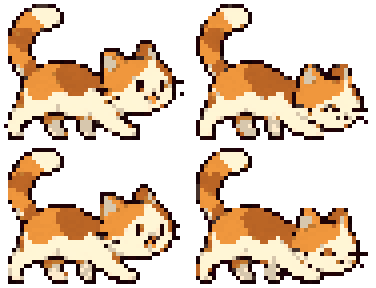
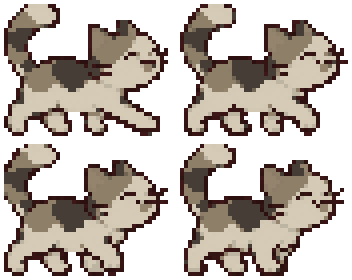
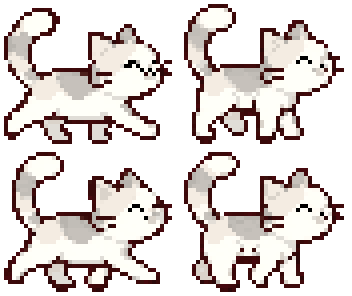
Yes, up to 10 with the full version. Each one gets its own name, coat, age, body and personality.
One cat and everything you do with it: feeding, litter, petting, toys, salary, growing up and the pomodoro. Nothing gets locked after a trial, and the cat never suffers for being free.